
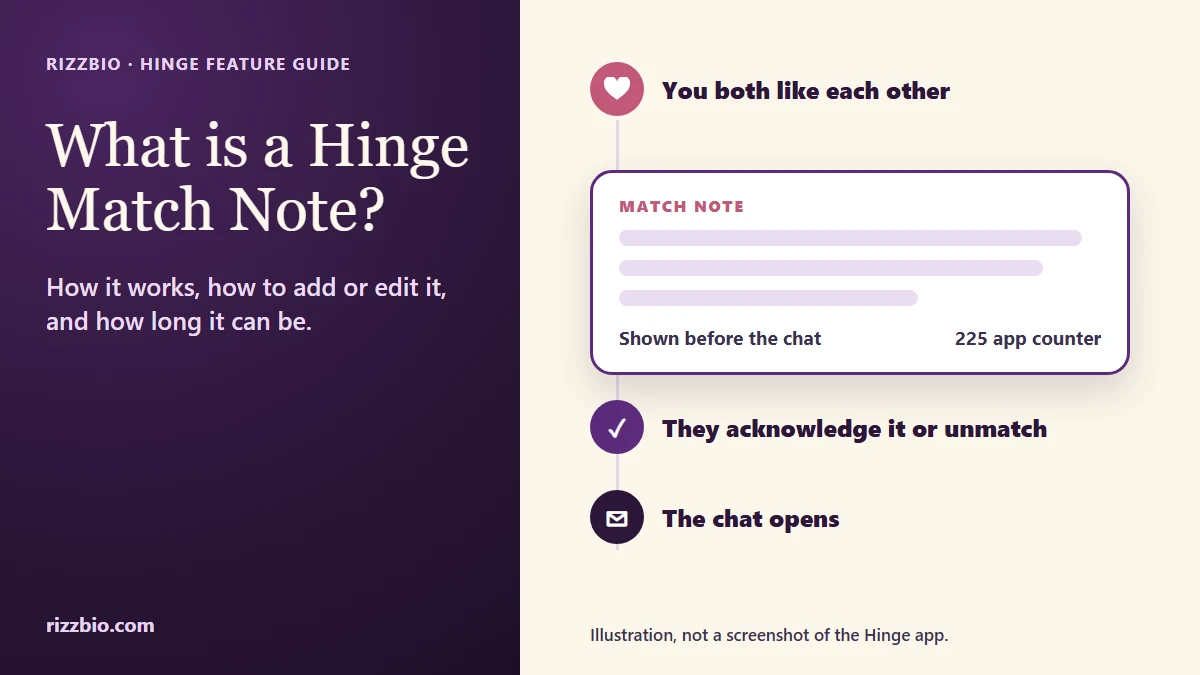
A Hinge Match Note, often just called a Hinge note, is a short private note your new matches read right after you both like each other, before the chat opens.
It holds what you would rather not repeat in every conversation: what you want, your schedule, or a need or boundary.
This guide covers how it works, exactly how to add or edit one, how long it can be, and who sees it. For ready-to-use wording, browse our 116 Hinge Match Note ideas.
How Hinge Match Note Works
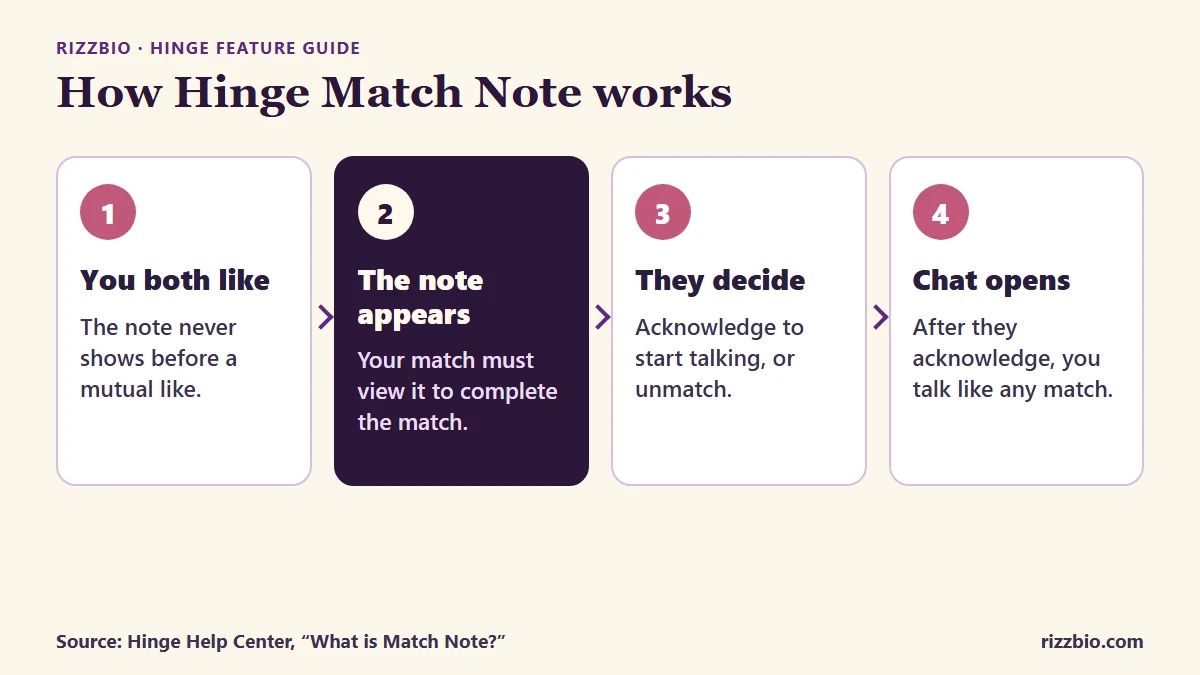
Match Note lives in your profile settings, not on your public profile. Once it’s marked as always visible, this happens with every new match:
- You both like each other. The note never shows before that.
- The note appears. Your match has to view it before the match is complete.
- They decide. They acknowledge it to start the conversation, or unmatch if it affects your compatibility.
- The chat opens. After they acknowledge it, you talk like any other match.
It works the same way in reverse: if your match has a note, you’ll be asked to view it first.
How to Add a Match Note on Hinge
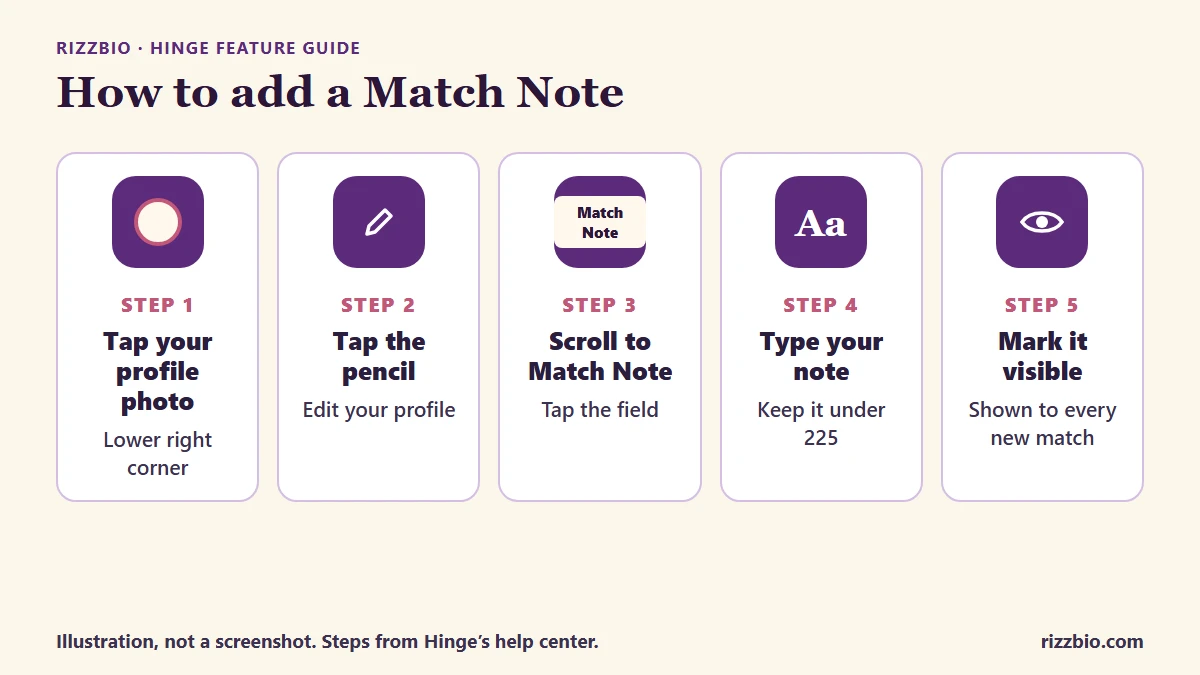
These are the steps Hinge’s help center gives:
- Open Hinge and tap your profile photo in the lower right corner.
- Tap the pencil icon to edit your profile.
- Scroll down and tap Match Note.
- Type your note in the text box.
- Use the icon below the note to mark it as always visible to matches.
The visibility setting is what makes Hinge show the note to every new match, so check it before you leave the screen.
How to Edit, Change, or Turn Off Your Match Note
Use the same path: profile photo, pencil icon, then Match Note. Edit the text to change it, or switch off the always visible setting.
Hinge’s help center only says notes marked visible are shown automatically, so delete the text if you want to be sure no new match sees it.
To reread your own note, follow the same path. Hinge’s guide doesn’t describe a way to reopen a match’s note after you acknowledge it.
Hinge says matches made before you added a note shouldn’t see it. It doesn’t say whether existing matches see later edits, so if something important changes, tell them in the chat.
How Long Can a Hinge Match Note Be?
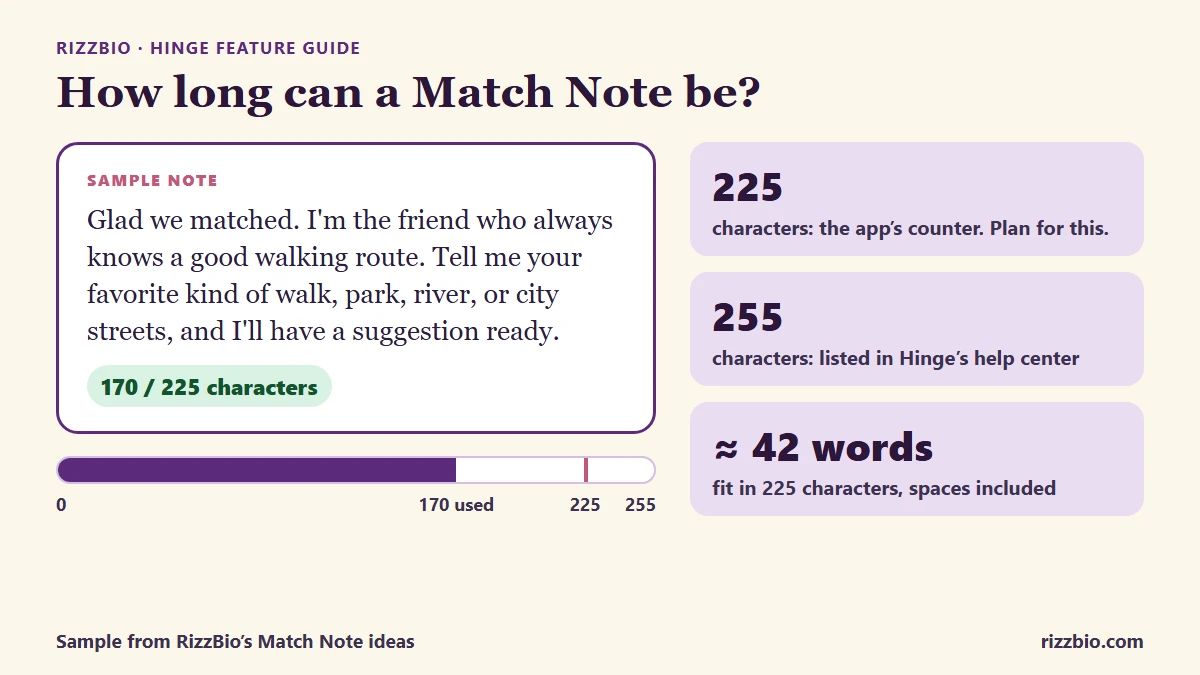
Plan for 225 characters. Hinge’s help center and launch announcement list a maximum of 255 characters, but the Match Note counter in the app showed 225 when we checked in November 2026. Writing to 225 means your note fits either way.
Characters include letters, spaces, and punctuation. Across our 116 example notes, 225 characters works out to about 42 words, or two to three short sentences.
Emoji can count as more than one character, so watch the counter if you use them. Line breaks aren’t covered in Hinge’s guide, so a single short paragraph is the safest format.
Who Sees Your Match Note (and Who Doesn’t)
- Sees it: every new match, after you both like each other, while the note is marked visible.
- Doesn’t see it: people browsing your profile, and people you haven’t matched with. Matches made before you added the note shouldn’t see it either.
There is one note, shown to every new match, so it isn’t personalized. Write it for anyone you might match with.